
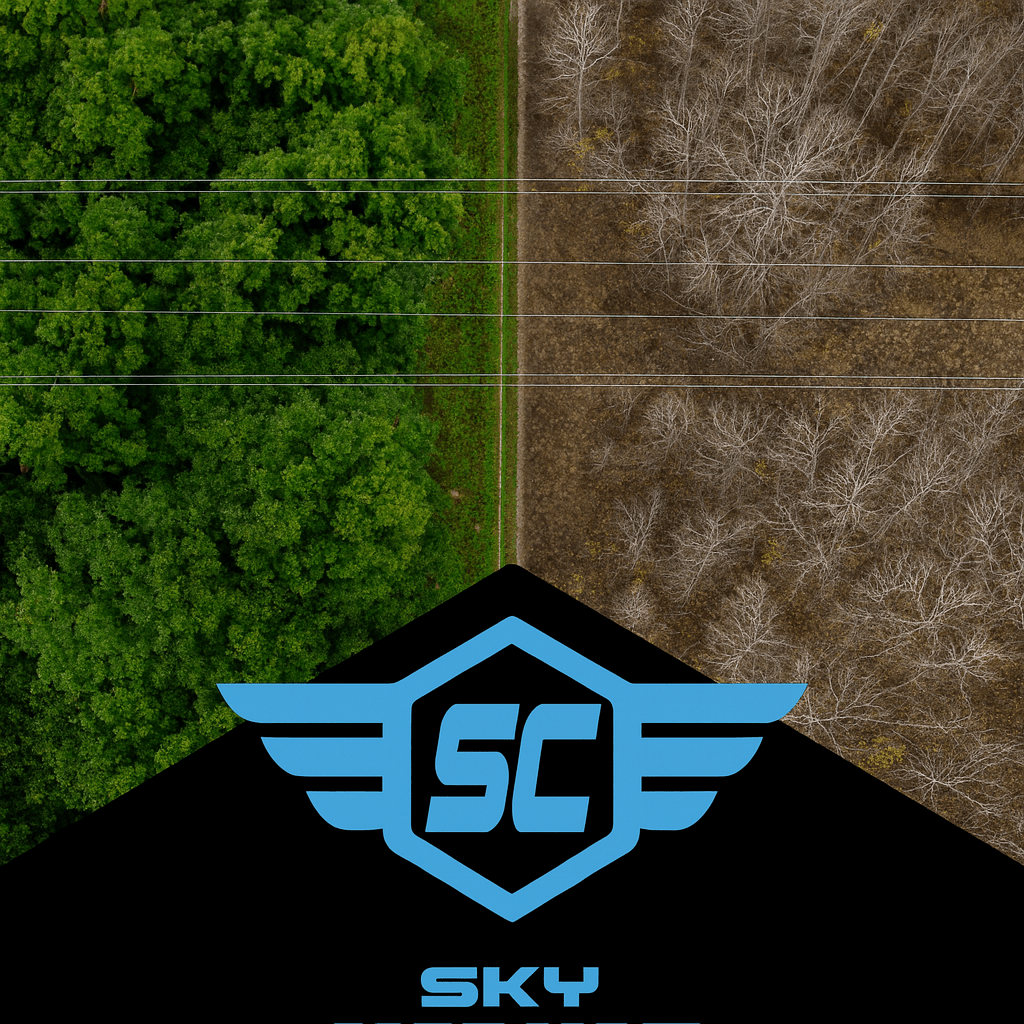
Your complete guide to flying smarter, safer, and sharper this season.
🧭 Quick Summary — What You’ll Get
Fall is more than just beautiful colors — it’s one of the best times of year to capture high-quality data with your drone. Cooler air, low foliage, and stable lighting make this the ideal season for detailed mapping and inspection flights.
In this post, you’ll learn:
✅ Why “leaf-off” conditions create superior data
✅ How to plan your missions for success (timing, altitude, and overlap)
✅ The right way to use RTK or GCPs when the ground is wet or shadowed
✅ How to check image quality and avoid re-flights
✅ What deliverables clients love during the fall season
✅ How to stay compliant with NAV DRONE, NOTAMs, and airspace rules
Whether you’re flying for fun, training for your Advanced certificate, or working with a utility or real-estate client — this guide helps you fly like a pro and make every flight count.
🍂 Why Fall is Your Secret Weapon
When the leaves drop, your visibility skyrockets. Powerlines, roofs, and structures that were hidden all summer are now in clear view. That’s a huge advantage for anyone doing:
- Vegetation inspections (utility corridors, right-of-ways)
- Roof and building assessments (heat loss, leaks, damage)
- Mapping and photogrammetry (land surveys, volume measurements)
Cooler weather also helps your drone’s performance:
- Batteries last longer in cool—but not cold—temperatures.
- Camera sensors run cooler, reducing image noise.
- Air density improves lift, making your drone more stable.
- Sun angles are lower, improving surface texture visibility.
In short: Fall gives you cleaner, more detailed data with fewer flight issues — if you know how to plan for it.
📸 Mission Design: How to Plan the Perfect Leaf-Off Flight
Think of this section as your pre-flight playbook. The goal is to capture consistent, usable data — not just pretty pictures.
1️⃣ Choose the Right Time of Day
- Best Window: 9:30 a.m. – 2:30 p.m. local time
- Why: Early morning light creates long shadows that distort measurements. Late afternoon light adds glare and changing color temperature.
You want steady, neutral lighting where every image looks similar. That consistency is what allows your mapping software to align thousands of images into a single accurate 3D model.
2️⃣ Dial In the Flight Parameters
Use these as your default fall-mapping baseline:
| Setting | Recommended | Why |
|---|---|---|
| Altitude | 60–80 m AGL | Balances detail (GSD) with coverage area |
| Overlap | 80 % forward / 70 % side | Ensures smooth stitching and error tolerance |
| Speed | ≤ 5 m/s | Reduces motion blur in low-light conditions |
| Gimbal Pitch | –85° for mapping / –65° for inspection | Captures both top and side geometry |
| Exposure Mode | Manual | Prevents color or brightness shifts between frames |
👉 Pro Tip: Fly a short “sun calibration pass” first — a quick 10-second hover while facing the sun. It sets a consistent exposure baseline across all images.
📐 RTK & GCPs — Precision Under Pressure
RTK (Real-Time Kinematics) and GCPs (Ground Control Points) are what make your maps accurate to the centimeter. But fall introduces two new challenges: shadows and wet ground.
Step-by-Step GCP Workflow for Fall
- Scout your site mid-day before flying. Look for where shadows will move during your mission.
- Mark GCPs with high-contrast targets — black-and-white checkerboards work well even under soft light.
- Secure them. Use stakes, nails, or sandbags. Fallen leaves or wind gusts can easily move your targets.
- Take at least one angled photo of each target (not just from above). This gives your software extra reference data.
- Log coordinates immediately using your RTK system or handheld GPS and screenshot your base connection as backup.
Multipath Caution
Wet leaves and damp soil reflect signals, which can distort GPS accuracy.
If your RTK fix starts bouncing between “FIXED” and “FLOAT,” pause the flight, re-set your base station, or switch to logging manual checkpoints and correct in post-processing.
Remember: A few extra minutes double-checking RTK stability saves hours fixing bad data later.
🧪 Quality Control — How to Know If You Got the Data
You can’t always tell from your drone screen whether your mission succeeded — especially in autumn when contrast is lower.
Here’s your quick QC (quality control) checklist before you pack up:
Post-Flight QC Checklist
✅ Review at least 20 random images — no blur, no fogging, no frost.
✅ Confirm consistent brightness and color across shots.
✅ Check overlap visually in your mapping app — look for clean stitching lines.
✅ Compare GCP placement on the map — alignment error under 10 cm RMS.
✅ Rename and back up your dataset immediately after landing.
If you notice:
- GCP drift > 10 cm — re-fly that corridor.
- Overlap gaps — re-run that grid section.
- Glare or exposure shifts — reduce ISO and use manual white balance next time.
Great pilots don’t just fly well — they verify well.
📂 Deliverables — What to Give Clients (and Why They Care)
You’re not selling “photos.” You’re selling answers.
Here’s how to turn your fall data into deliverables that clients understand and value:
| Deliverable | What It Shows | Why It Matters |
|---|---|---|
| Encroachment Delta Map | Vegetation growth since spring | Justifies brushing or trimming budgets |
| Thermal Anomaly Overlay | Heat leaks, moisture spots, or failing panels | Finds maintenance priorities early |
| 3D Leaf-Off Model | Structural detail without foliage | Ideal for engineering, as-builts, or permits |
| Infrared Mosaic | Ground heat variation after sunrise | Reveals drainage or insulation problems |
Pro Tip: Add small value statements to your reports, like “Observed 0.7 m vegetation encroachment over 4 months.”Clients remember measurable insights, not megapixels.
🧭 Airspace & Authorization — Stay Legal and Confident
Fall weekends bring events, parades, and agricultural fairs — and those often come with temporary flight restrictions (TFRs) or local advisories.
Before every flight:
- Open NAV DRONE and check for new advisories within 5 NM.
- Verify NOTAMs for your site (CY** prefix for Canada).
- If you’re near an airport, wait for NAV CANADA authorization before arming your motors.
- Keep screenshots of your authorization and map view in your flight binder.
Finally, check your insurance renewal date — many pilots forget that policies expire at year-end, right when business slows down. Don’t get caught uninsured.
📚 Case Study — How Leaf-Off Doubled Data Value
A Sky Commander pilot flew a 3 km powerline corridor in late September and again two weeks later in mid-October.
- Leaf-on result: Green canopy blocked line attachments and insulators. Processing took 11 hours and required manual clean-up.
- Leaf-off result: Crisp conductor visibility, accurate vegetation encroachment mapping, and 22 % faster processing time.
The client immediately approved the report and scheduled brushing crews based on that data.
Lesson: The same corridor, flown two weeks later, produced a cleaner dataset, faster workflow, and a more satisfied client — without changing equipment or software.
💬 Final Call — What’s Your #LeafOffWin?
This Thanksgiving season, take advantage of nature’s best conditions.
Plan your leaf-off missions, tighten your checklists, and treat every flight as a data-gathering opportunity.
Share your success! Post your favorite fall shot with #LeafOffWin and tag @Sky Commander. Let’s build a culture where drone pilots don’t just fly — they learn, share, and elevate the standard together.
✈️ Sky Commander Summary
Leaf-off isn’t just a season — it’s your professional edge.
When you understand the science behind lighting, foliage, and flight planning, you move from being a pilot to being a data professional.
Fly it smart. Fly it safe. Fly it Sky Commander.
See Above. Go Beyond. Get Ahead.
 Sky Commander – Drone Inspections & Aerial Intelligence
Leave a comment